
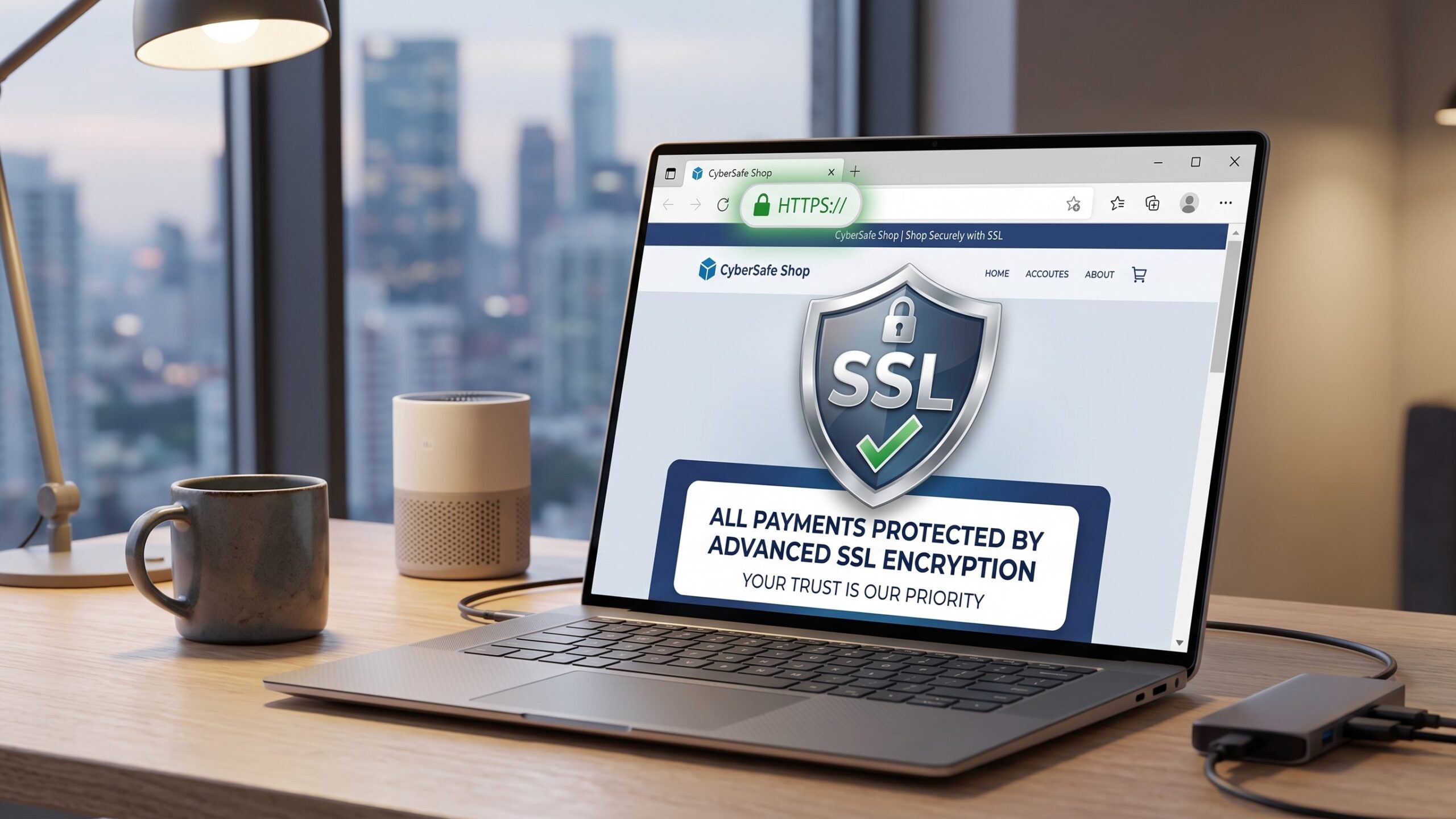
This guide explains how to secure your Nigerian website with SSL and HTTPS. Abuja Data School is Nigeria’s top live technology training centre. SSL and HTTPS are not optional extras for a professional Nigerian website in 2026; they are baseline requirements. A website without HTTPS shows a “Not Secure” warning in Chrome, loses Google search ranking, and pushes away Nigerian visitors the moment they see it. In short, SSL is the fastest, cheapest upgrade any Nigerian website owner can make today.
So, this guide covers what SSL and HTTPS are, why every Nigerian website needs them, the different types of SSL certificates, how to get a free SSL certificate, and the step-by-step setup process for WordPress and custom HTML sites. It also covers how to fix the most common SSL errors on Nigerian websites. By the end of this guide, your Nigerian website will be secure and show the HTTPS padlock your visitors and Google expect.
What Is SSL? A Plain-English Explanation
SSL stands for Secure Sockets Layer. Also, it is the technology that creates an encrypted connection between your visitor’s browser and your website’s server. When SSL activates, data that travels between the browser and server, such as a name, email, password, or payment card number, gets scrambled so that no third party can read it in transit.
Furthermore, TLS (Transport Layer Security) is the modern, updated version of SSL. Also, most people still call it SSL even though TLS now does the work. In short, SSL/TLS is the encryption system that makes HTTPS possible and keeps Nigerian visitor data safe.

What Is HTTPS and How Is It Different From HTTP?
HTTP (Hypertext Transfer Protocol) is the standard system for transferring data between a browser and a server. Also, HTTP sends data in plain text, which means anyone on the same network can intercept and read it. HTTPS (HTTP Secure) adds an SSL/TLS layer that encrypts all data in transit.
Here is what changes visually when HTTPS is active on a Nigerian website:
- Padlock icon: A padlock appears in the browser address bar, signalling that the connection is secure.
- https:// prefix: Your domain changes from http://yoursite.com to https://yoursite.com.
- No “Not Secure” warning: Chrome, Firefox, and all major browsers stop showing the “Not Secure” label that drives Nigerian visitors away.
In short, HTTPS is what Nigerian visitors and Google both look for before trusting a website. Furthermore, it is required for any Nigerian website that collects data, processes payments, or runs a login system.
Why Every Nigerian Website Needs HTTPS in 2026
- Google ranking: Google treats HTTPS as a confirmed ranking signal. Also, two Nigerian websites that are otherwise identical in quality will differ in Google ranking if one has HTTPS and the other does not. HTTP sites rank lower in Nigerian Google search results.
- Browser warnings: Chrome, which most Nigerian internet users run on Android phones, labels all HTTP sites as “Not Secure”. Furthermore, this warning appears before a visitor reads a single word on your page. In short, the warning alone loses a significant percentage of Nigerian visitors before they engage.
- Nigerian visitor trust: Nigerian online shoppers, NGO donors, and professional clients check for the padlock before submitting any form or payment. Also, without HTTPS, Nigerian visitors hesitate to share contact details or card numbers. In short, HTTPS is your first trust signal.
- Data protection: Contact form submissions, login credentials, and payment details need encryption. Also, any Nigerian website that collects data without HTTPS exposes its users to interception. Furthermore, this creates both ethical and legal exposure for Nigerian website owners.
- PWA and modern web features: Progressive Web App features, service workers, and many modern browser APIs only work on HTTPS sites. Also, some Nigerian hosting features like push notifications require HTTPS. In short, HTTPS unlocks the full capability of the modern web.
Types of SSL Certificates: Which Does Your Nigerian Website Need?
|
Certificate Type
|
What It Covers
|
Best For Nigerian Use
|
| Domain Validation (DV) | One domain. Basic identity check. | Blogs, portfolios, small biz sites |
| Wildcard SSL | One domain + all subdomains | Sites with subdomains (shop.domain.com) |
| Organisation Validation (OV) | Domain and company identity verified | Medium Nigerian businesses and NGOs |
| Extended Validation (EV) | Full legal company verification | Banks, fintechs, large e-commerce |
| Multi-Domain (SAN) | Multiple different domains in one cert | Agencies managing several client sites |
In short, a free Let’s Encrypt DV certificate covers the SSL needs of over 95 per cent of Nigerian websites. Also, most reputable Nigerian hosting providers now include Let’s Encrypt SSL at no cost with every hosting plan. Furthermore, EV and OV certificates are only worth the extra cost for Nigerian financial institutions, large e-commerce platforms, and organisations that must show verified identity in the browser bar.
How to Get a Free SSL Certificate for Your Nigerian Website
Method 1: SSL via Your Hosting Control Panel (Easiest)
Most Nigerian hosting providers, including Namecheap, SiteGround, Whogohost, and Web4Africa, now offer free Let’s Encrypt SSL directly from cPanel. Here is the process:
- Log in to your cPanel account.
- Scroll to the “Security” section and click “SSL/TLS Status” or “Let’s Encrypt SSL”.
- Select your domain from the list and click “Install”.
- Wait 2 to 5 minutes for the certificate to issue and install.
- Your site now shows https:// in the browser address bar.
In short, Let’s Encrypt SSL via cPanel is free, takes under 5 minutes, and works on any Nigerian shared hosting plan.
Method 2: SSL via Cloudflare (Best Free Option for All Sites)
Cloudflare offers free SSL as part of its free CDN plan. Also, this is the best option for Nigerian websites that want both SSL and CDN performance in one step. Here is how:
- Create a free Cloudflare account at cloudflare.com.
- Add your Nigerian website domain to Cloudflare.
- Update your domain’s nameservers to the ones Cloudflare provides (do this at your domain registrar).
- Cloudflare activates SSL automatically within minutes. Also, choose “Full” SSL mode in Cloudflare’s SSL/TLS settings.
Furthermore, Cloudflare’s free SSL also protects against DDoS attacks and speeds up your Nigerian site via CDN. In short, Cloudflare SSL is the most powerful free security upgrade any Nigerian website owner can activate today.
Method 3: WordPress SSL Setup
For Nigerian WordPress sites, activate SSL in three steps: first, install the free SSL certificate through cPanel (Method 1 above); second, install the free Really Simple SSL plugin from the WordPress plugin directory; third, activate the plugin, and it automatically redirects all HTTP traffic to HTTPS. Also, the plugin fixes mixed content warnings caused by internal links still pointing to http://. In short, the Really Simple SSL plugin makes SSL setup effortless on any Nigerian WordPress site.
How to Force HTTPS and Fix Mixed Content Warnings
After installing SSL, Nigerian website owners often encounter “mixed content” warnings where some page elements (images, scripts, or stylesheets) still load over HTTP instead of HTTPS. Also, mixed content warnings prevent the padlock from showing correctly. Here is how to fix them:
- For WordPress: The Really Simple SSL plugin handles most mixed content automatically. For remaining issues, use the Better Search Replace plugin to update all http:// references in your database to https://.
- For custom HTML sites: Search every HTML and CSS file for http:// and replace with https://. Furthermore, check any embedded iframes, CDN links, and third-party script tags.
- Force HTTPS via htaccess: Add these lines to your htaccess file to redirect all HTTP requests to HTTPS automatically: RewriteEngine On / RewriteCond %{HTTPS} off / RewriteRule (.*) https://%{HTTP_HOST}%{REQUEST_URI} [R=301, L]
In short, a correctly set up Nigerian website shows a solid padlock with no mixed content warnings. Also, Chrome DevTools (F12 → Console) shows any remaining mixed content errors to fix.
Common SSL Errors on Nigerian Websites and How to Fix Them
|
SSL Error
|
Likely Cause
|
Fix
|
| ERR_SSL_PROTOCOL_ERROR | SSL not installed or certificate expired | Install or renew SSL via cPanel or Cloudflare. |
| NET::ERR_CERT_AUTHORITY_INVALID | Self-signed or untrusted certificate | Replace with Let’s Encrypt or Cloudflare SSL. |
| Mixed content warning (padlock broken) | Some page elements still load over HTTP | Use the Really Simple SSL plugin or update all http:// to https://. |
| The SSL certificate expired. | Let’s Encrypt certificate not auto-renewed | Enable auto-renew in cPanel or Cloudflare. |
| Too many redirects | Conflicting redirect rules in .htaccess | Clear redirect rules and re-add the standard HTTPS redirect. |
| ERR_CERT_COMMON_NAME_INVALID | Certificate issued for a different domain | Reissue the certificate for the correct Nigerian domain. |
Free Resource: Let’s Encrypt Documentation
In addition to Abuja Data School’s live training, Abuja Data School recommends the Let’s Encrypt Documentation as the best free technical resource for Nigerian website owners who want to understand SSL certificates in depth. Let’s Encrypt is the non-profit certificate authority that powers most free Nigerian website SSL certificates. Also, their documentation covers how certificates work, auto-renewal, troubleshooting, and manual installation for developers who manage their own Nigerian servers. Moreover, all Let’s Encrypt documentation is free to read with no account required. As a result, any Nigerian who reads the Let’s Encrypt docs alongside Abuja Data School’s live training will understand SSL from the padlock icon all the way down to the certificate authority chain.
Use the Let’s Encrypt docs for technical SSL questions. Abuja Data School provides live instruction on web security, hosting setup, and building secure, professional Nigerian websites from scratch.
How Abuja Data School Teaches Website Security
Abuja Data School’s web development curriculum includes a dedicated session on website security, covering SSL installation, HTTPS setup, mixed content fixes, Cloudflare configuration, and WordPress security hardening. Also, students apply every security step to their own live Nigerian websites during the course. Furthermore, the curriculum covers the security practices that Nigerian employers and clients look for when evaluating a web developer’s work. In short, every Abuja Data School web development graduate leaves the course knowing how to build a secure, HTTPS-ready Nigerian website from the first line of code.
To enrol, visit the Abuja Data School Data Analysis page.
Frequently Asked Questions: SSL and HTTPS
Q1: Is the Free Let’s Encrypt SSL as Good as a Paid Certificate?
Yes, for most Nigerian websites. Also, Let’s Encrypt provides full 256-bit encryption, the same as paid DV certificates. Furthermore, the only reasons to pay are for Organisation Validation (OV), Extended Validation (EV), or Wildcard SSL, which Let’s Encrypt also offers for free in some configurations. In short, a free Let’s Encrypt certificate is the right choice for the vast majority of Nigerian websites.
Q2: My SSL Certificate Expired. What Do I Do?
Let’s Encrypt certificates expire every 90 days. Also, most Nigerian hosting control panels auto-renew them before expiry. If renewal fails, log in to cPanel and reinstall the certificate manually. Furthermore, enabling Cloudflare’s universal SSL removes the expiry risk entirely; Cloudflare handles renewal automatically. In short, always enable auto-renewal and check your certificate expiry date every quarter.
Q3: Does HTTPS Slow Down My Nigerian Website?
Modern HTTPS with HTTP/2 is actually faster than HTTP for most Nigerian sites. Also, the SSL handshake adds milliseconds on the first connection, but subsequent page loads are often faster because HTTP/2 allows multiple parallel requests over a single connection. Furthermore, Cloudflare’s free SSL includes HTTP/2 automatically. In short, HTTPS does not make your Nigerian website slower; it often makes it faster.
Secure Your Nigerian Website With SSL Today
Ultimately, SSL and HTTPS are the minimum security standard for any professional Nigerian website in 2026. They are free, they are fast to set up, and they protect both your Nigerian visitors and your Google ranking simultaneously. Every Nigerian website owner who has not yet activated HTTPS is leaving trust, traffic, and revenue on the table.
To that end, take your next step today. Visit the Abuja Data School Data Analysis page and enrol in the web development course. As a result, every Nigerian website you build will be secure, trusted, and HTTPS-ready from its very first day online.