An AI agent is defined as an autonomous computational entity that perceives its environment through sensors,
processes this information to make informed decisions, and acts upon the environment through effectors (or
actuators). Simply put, an AI agent continuously cycles through three core steps:
1. Perception: Gathering data from its environment.
2. Decision-making: Processing data to select optimal actions.
3. Action: Executing selected actions, thereby influencing the environment.
The cycle repeats, enabling the agent to adapt to changing conditions and continuously refine its decisions.
Building a practical AI agent requires a clear understanding of various software tools, libraries, and technologies.
This section details key components that entry-level software engineers need to familiarize themselves with
before developing their AI agents.
Some of the tools for building AI Agents are n8n, Zapier, Activepieces and Make
a)The Complete n8n Course Introduction
➢Course Overview & What You Will Learn
➢Sneak Peek: Explore 3 Powerful AI Voice Agents You’ll Build with n8n
b)Kickstart Your Journey with n8n, AI Agents & Automations
➢Introduction to n8n – What it is & why it matters
➢Workflows, Automations & AI Agents – Understanding the differences
➢Setting up your n8n account & exploring the interface
➢Step-by-step guide to building your first n8n workflow
➢Hands-on exercise: Create your first project in n8n
c)Take Complete Control – Self-Host & Maintain n8n
➢Updating your n8n Cloud Instance
➢Importing Workflows in n8n
➢Using the Executions Log for Monitoring & Debugging
➢Understanding the Three Ways to Run n8n
➢Self-Hosting n8n for Unlimited Workflows & Full Control (Hostinger VPS)
➢Updating your Self-Hosted n8n Instance on Hostinger using Docker
➢Self-Hosting n8n Locally on Your Machine with Node.js (Windows)
➢Updating Your Locally Self-Hosted n8n Instance with Node.js
d)Create Your First n8n Automations & AI Workflows
➢Setting Up Your Credentials for Quick Access
➢Exercise: Create a Telegram Chatbot
➢Exercise: Automate Tasks Between Google Drive and Airtable
➢Exercise: Build an AI-Powered Audio Transcriber
➢Exercise: Sync Files Between Google Drive and Notion
➢Exercise: Use AI to Summarize Documents in Seconds
e)Foundations of Automation, APIs, and n8n Essentials
➢Introduction to Automation: Principles and Benefits
➢Workflow Automation Explained: How It Works and Why It Matters
➢Understanding Large Language Models (LLMs) and Their Functionality
➢Exploring Node Types & Categories in n8n
➢Triggers in n8n: When and How to Use Them
➢Core Nodes in n8n: Functions and Applications
➢Introduction to APIs: Basics and Importance
➢Introduction to Webhooks: How n8n Connects with External Systems
➢Working with Data in n8n: Best Practices
➢Optimizing Workflow Testing: Pinning & Editing Data
➢Introduction to Vector Databases: Tools and Use Cases
➢Understanding Retrieval-Augmented Generation (RAG) and Its Applications
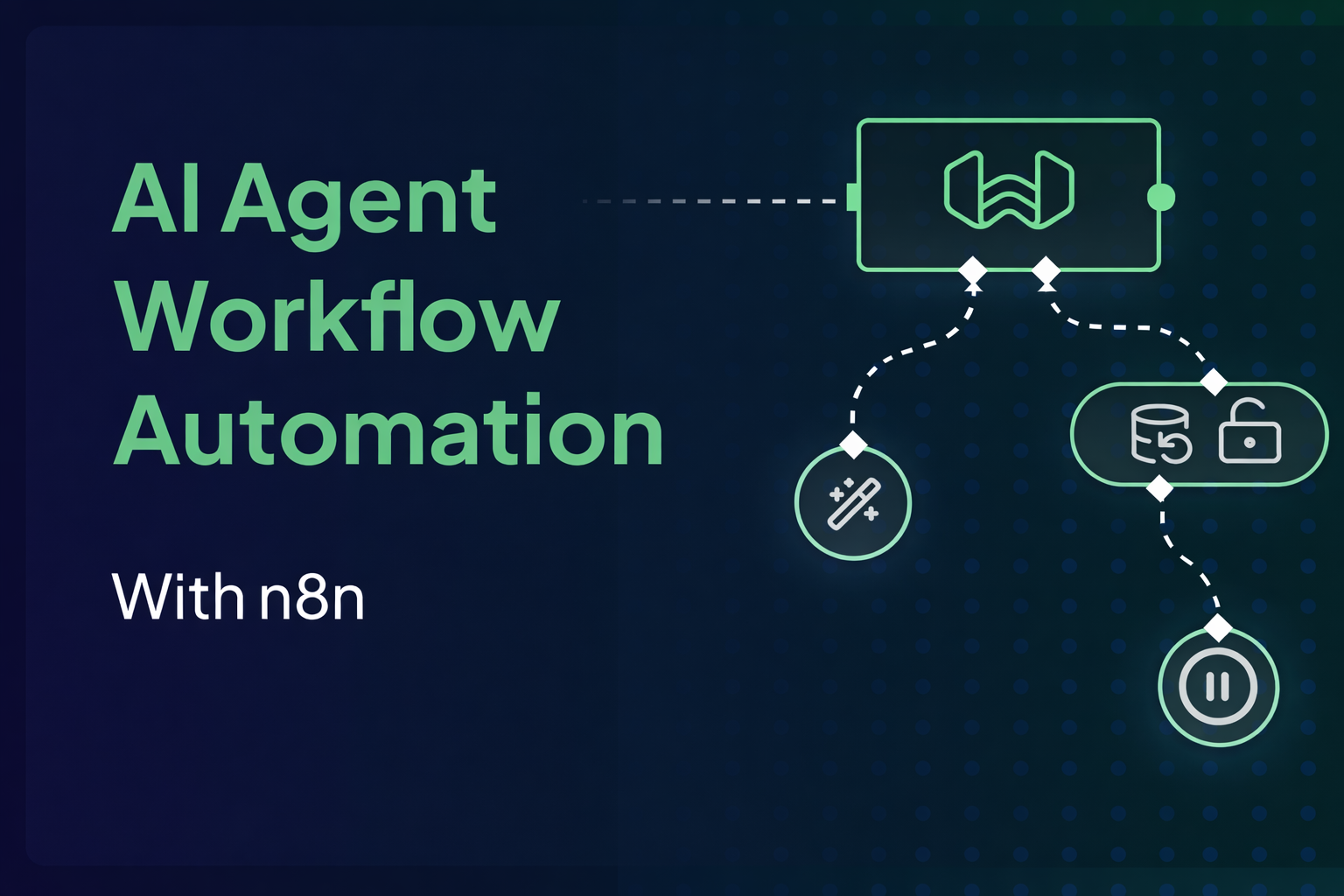
f) Mastering AI Agents, Multi-Agent Systems & RAG Workflows
➢Understanding Key Concepts: Traditional Automation vs. AI Automation vs. AI
Agents
➢Exploring AI Agents, AI Assistants, Retrieval-Augmented Generation (RAG), and
Multi-Agent Systems — Implementation and Best Practices in n8n
g) Setting Up Credentials in n8n – LLMs, APIs & Messaging Tools
➢Connecting n8n to External Services: Step-by-Step Credential Setup Guide
➢Integrating OpenAI’s LLM with n8n
➢Connecting Telegram to n8n
➢Integrating Claude (Anthropic Models) with n8n
➢Connecting LLMs via Grok Fast API Inference
➢Integrating Google Gemini with n8n
➢Connecting DeepSeek Models to n8n (Main Method)
➢Connect WhatsApp to n8n in 6 Minutes
➢Connecting Any LLM to n8n via OpenRouter & HTTP Requests (DeepSeek Example)
➢Integrating Google Services: Gmail, Drive, Docs, and Sheets in n8n
➢Integrating Perplexity with n8n
➢Using Community Nodes in n8n: Benefits & Applications
➢Connecting Notion to n8n
h)Building Basic Automations, AI Workflows & AI Agents in n8n
➢Create AI Automations Using a Pre-Made Template
➢Build an Automated Feedback Collection Form
➢Develop Your First AI Agent from Scratch in n8n
➢Build an AI Agent to Deliver the Best Daily News on Any Topic
➢Generate Stunning Videos Using Google Veo3 Model
➢Professional LinkedIn Post Generator
➢Automate Gmail Email Management and Classification with AI
➢Enhance Your AI Agent Using the “Think” Node for Smarter Workflows
➢Create an AI Story Generator with n8n
➢Automate Viral YouTube Video Posting
➢Generate Social Media Content in Seconds
At the end of the training program, participants will learn to build and deploy functional AI Agents.